
Maintenance Task
This adds the ability to create Maintenance Tasks as reminders for things that need to be done while at the machine.
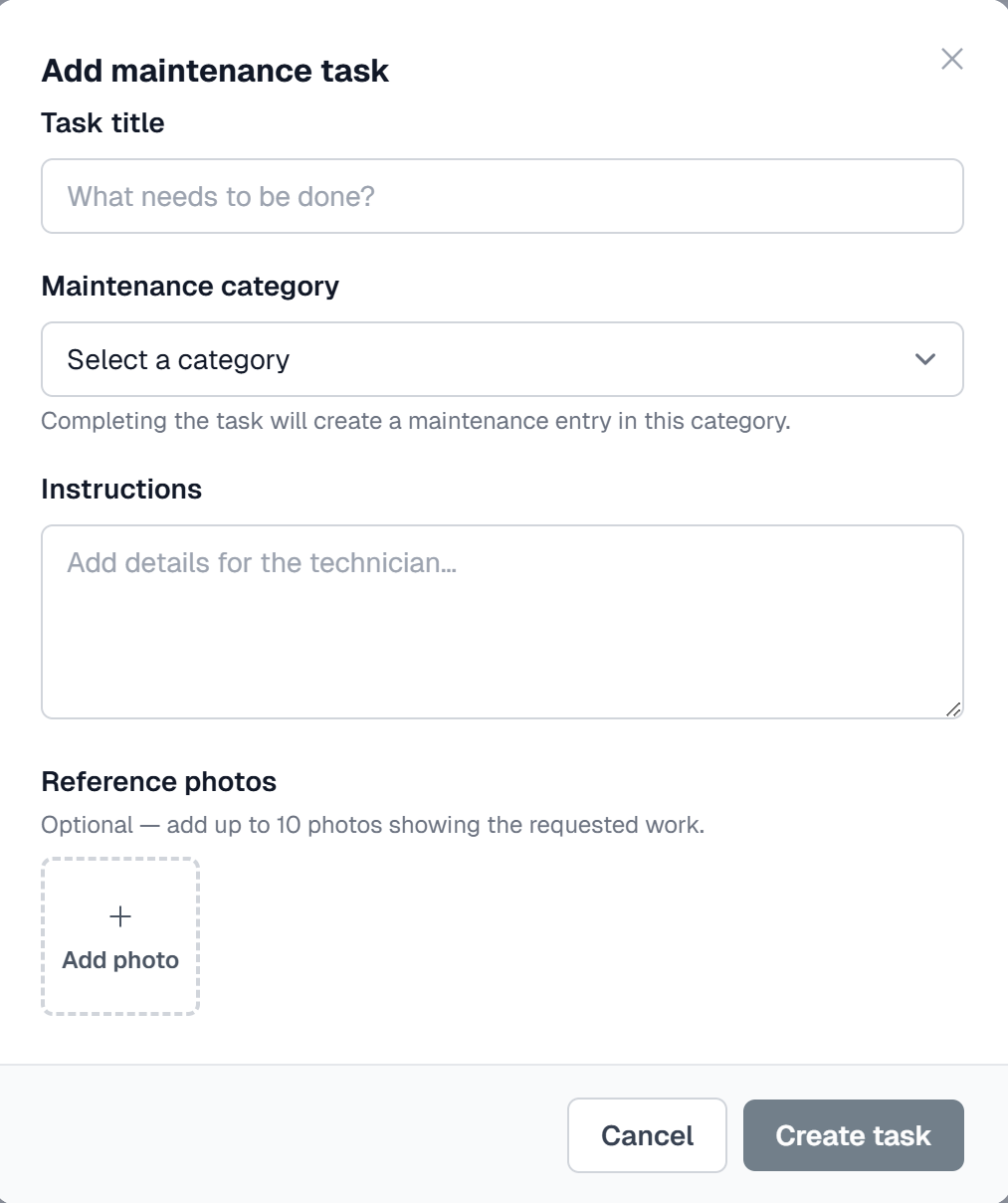
Under Machine Status - Maintenance Log click the Add Task button. This will open a window where you can enter details about what needs to be done.
Enter a Title, Select a Category and include detailed instructions along with a picture to identify the area that needs attention.
Once created the Task is displayed at the top of the Machine Status page until it is completed as well as under Maintenance Reports - Tasks https://app.myvends.com/maintenance-reports/tasks
A Task can be completed by selecting the Task from the Machine Status where it will be displayed on the top of the page.
Click on the Task to view it, add any additional notes and pictures and click Complete to close the task.
The Task activity is recorded in the Machine Log and the Maintenance Reports - Task Report.